Pick a base, open it in the editor and turn it into your own character.
A base is a simple, clean skin with a face, hair and basic clothes. It saves you the hardest part, getting the proportions and the face right, so you can spend your time on the details that make the character yours.
Press “Edit” to open a base in the skin editor. Recolor the clothes with the fill tool, change the hair, add a hat or a jacket on the outer layer, and download the finished PNG. Your previous work in the editor is not lost: press Undo to get it back.
The blank skins and the color-coded templates are for drawing from scratch. In the templates every body part has its own color and the outer layer is lighter, so you can see at a glance which pixels belong where. The skin template guide explains the layout in detail.
Yes. All bases on this page were drawn for this site, and you can use them and the skins you make from them in the game, on servers and in videos.
Classic skins have arms 4 pixels wide, like Steve. Slim skins have arms 3 pixels wide, like Alex. Pick the same model in the game when you upload the skin.
Download the PNG and upload it in the Minecraft Launcher or in the Dressing Room. Our guide on how to change your skin shows every step.
Yes. The editor works in the browser on phones and tablets: tap to paint and drag to rotate the model.
Everything works in your browser: nothing to install, no account needed.
 Minecraft Skin Editor
 English
 Deutsch
 Français
 Português
 Italiano
 Español
 Nederlands
 Polski
 Türkçe
 Svenska
 Indonesian
 简体中文
 Русский
 ภาษาไทย
 Čeština
 Ελληνικά
 Magyar
 Română
 Slovenčina
 Dansk
 日本語
 Tiếng Việt
 한국어
 Українська
 العربية
 हिन्दी
 Filipino
 Bahasa Melayu
 Norsk
 Suomi
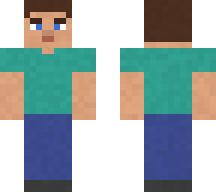 Teal T-shirt
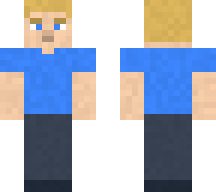 Blond hair, blue T-shirt
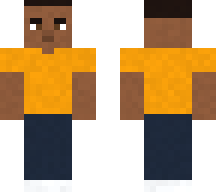 Buzz cut, orange T-shirt
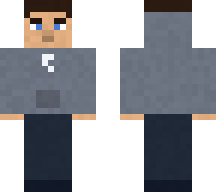 Grey hoodie
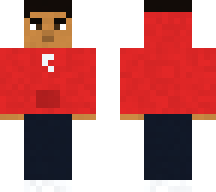 Red hoodie
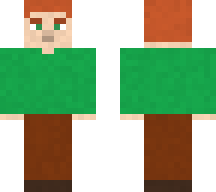 Ginger hair, green sweater
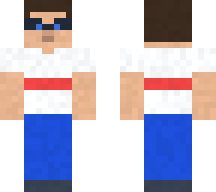 Glasses and jeans
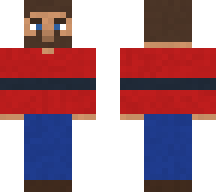 Bearded lumberjack
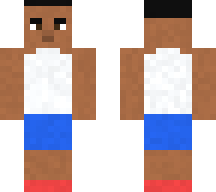 Tank top and shorts
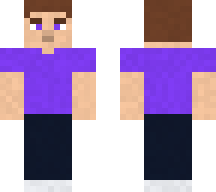 Purple T-shirt
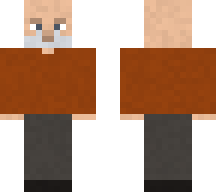 Grandpa
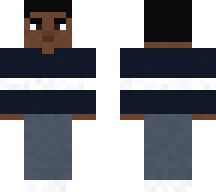 Black sweater with a stripe
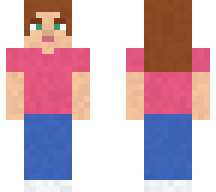 Pink T-shirt
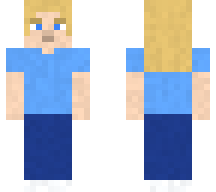 Long blond hair
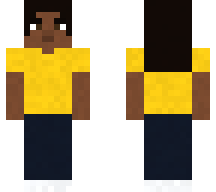 Yellow T-shirt
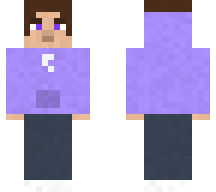 Lilac hoodie
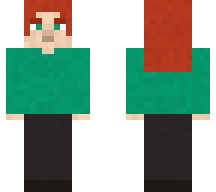 Red hair, green sweater
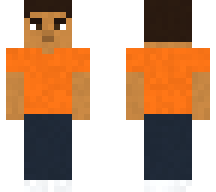 Short hair, orange T-shirt
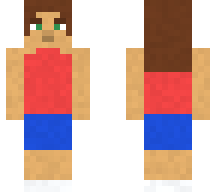 Tank top and shorts
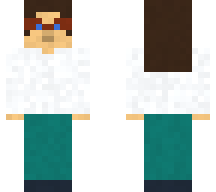 Glasses and white sweater
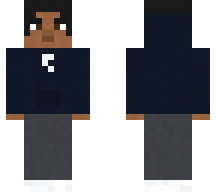 Black hoodie
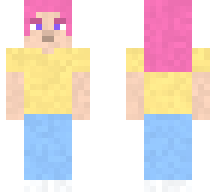 Pink hair, pastel outfit
 Blank skin, classic
 Blank skin, slim
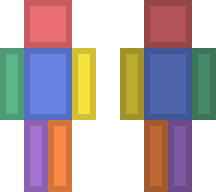 Color-coded template, classic
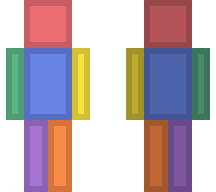 Color-coded template, slim